
Download YouTube Video Ripper – download YouTube videos, YouTube downloader, video ripper, offline viewing, batch download, mobile app
Overview
YouTube Video Ripper is a mobile application designed to simplify the process of downloading videos from YouTube for offline viewing. The app caters to users who need to access their favorite content without relying on a continuous internet connection, such as during travel, in remote areas, or when data usage is limited. By enabling users to save videos locally, the app enhances accessibility and convenience for on-the-go entertainment and educational content consumption.
Targeted primarily at Android users seeking a straightforward tool for video downloading, YouTube Video Ripper offers a practical solution for curating personal video libraries. It is especially useful for students, content creators, and casual viewers who want to preserve tutorials, lectures, or entertainment clips for repeated access. The app supports multiple formats and batch downloads, making it a functional utility for managing video content efficiently.
Although the developer did not provide additional background information, the app has been available since 2013, indicating a long-standing presence in the mobile productivity space. Its continued relevance suggests consistent performance and user satisfaction. The app’s role in the broader ecosystem lies in bridging the gap between online content and offline accessibility, offering a lightweight, free tool for users who value autonomy over their digital media.
Key Features & Functionality
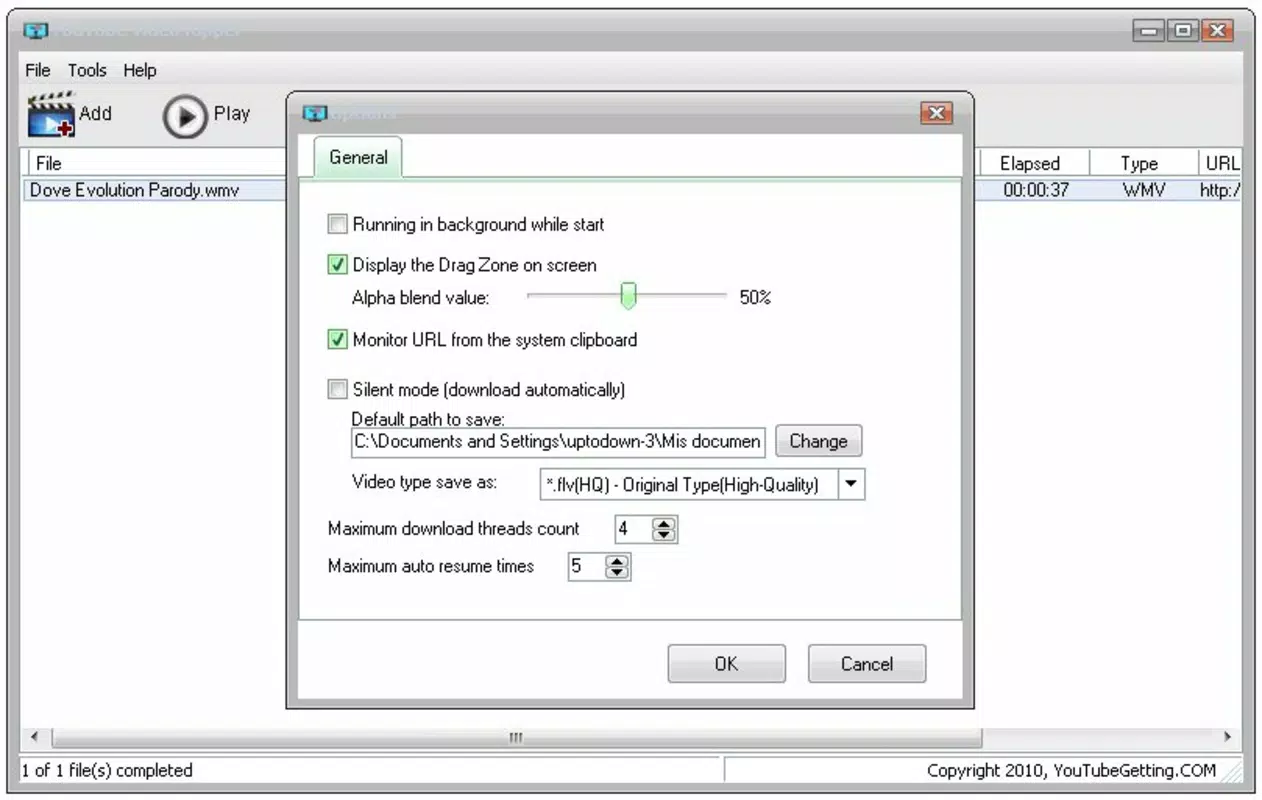
- Multiple Format Support: YouTube Video Ripper supports a range of video formats including WMV, AVI, FLV, MP4, MOV, and SWF. This allows users to select a format that best matches their device’s compatibility or preferred media player, ensuring smooth playback after download.
- URL Batch Download: Users can input multiple YouTube video URLs simultaneously, enabling the app to process and download several videos in a single session. This feature is ideal for users who want to save a series of tutorials or a playlist of favorite videos without repeating the process for each one.
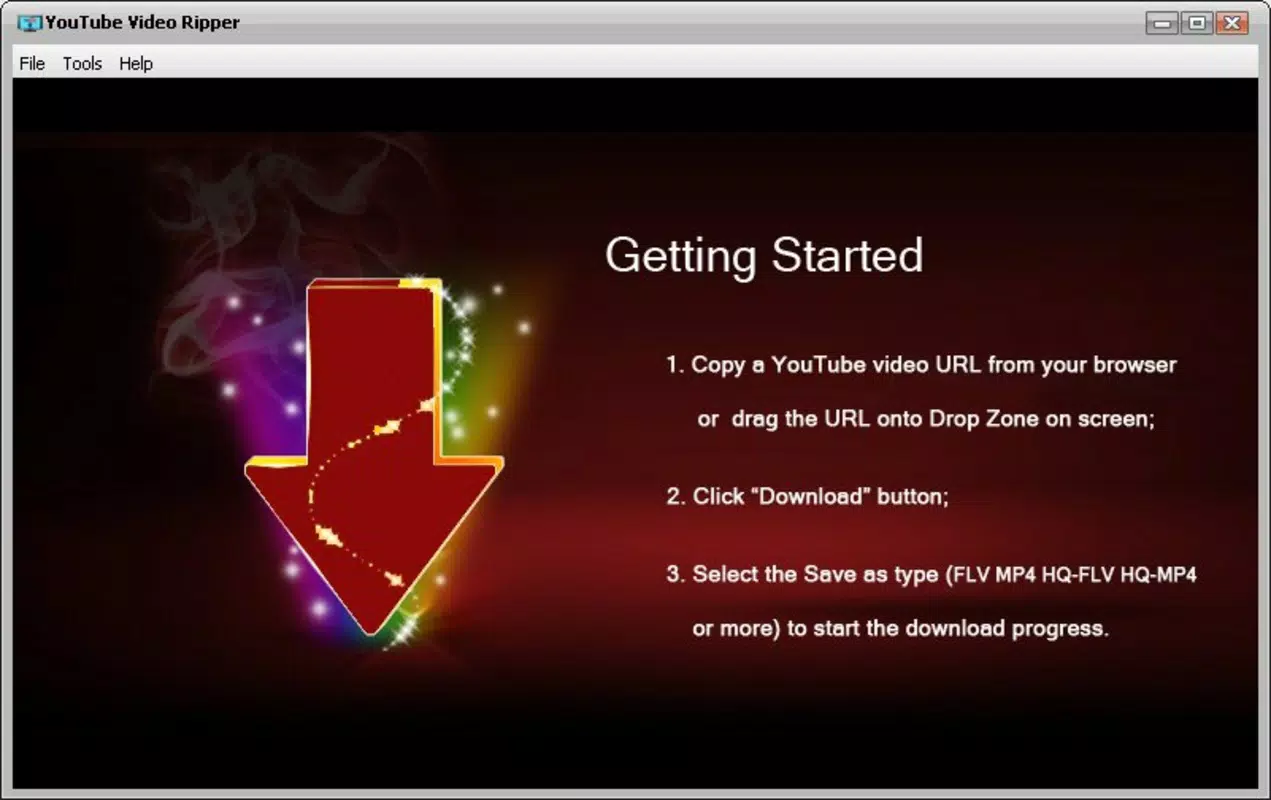
- One-Click Download: The app’s interface is designed for minimal user effort. After entering a video URL, users can initiate the download with a single tap, making the process accessible even to those unfamiliar with technical tools.
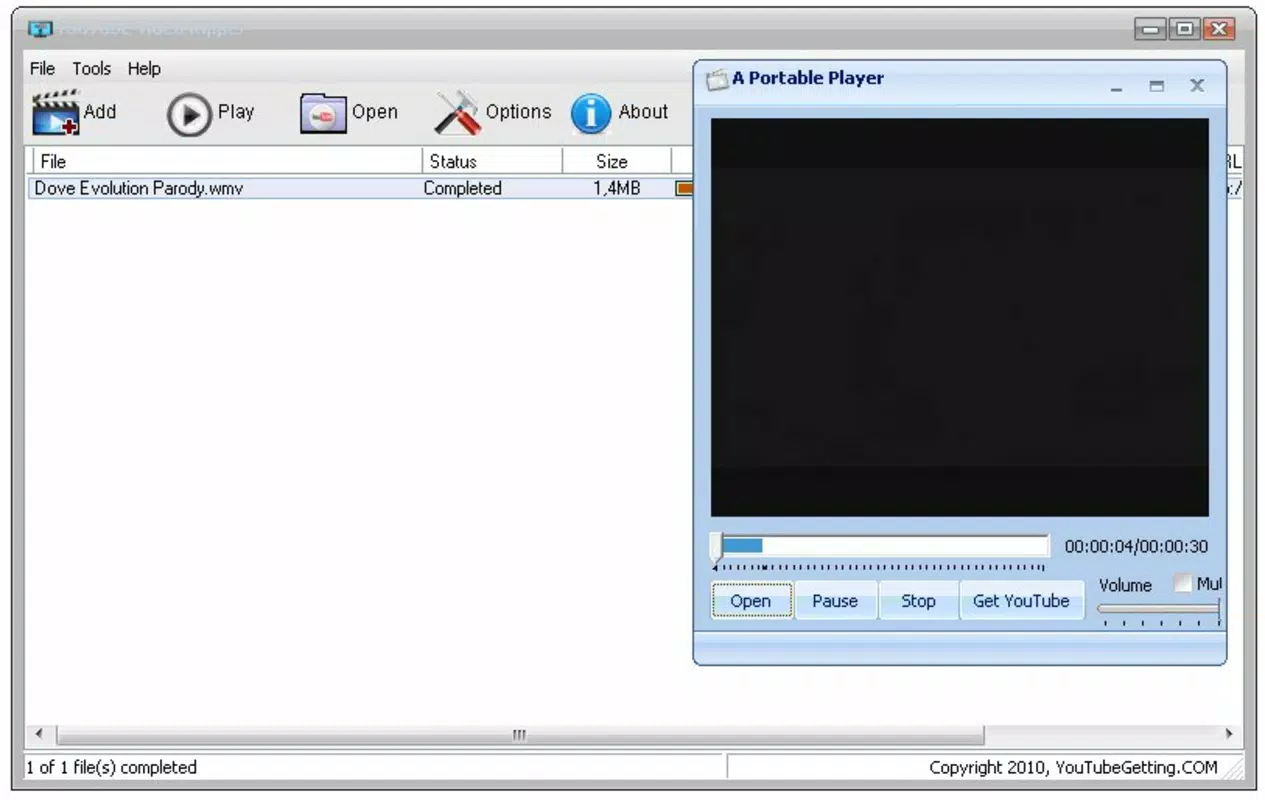
- Built-in Video Player: The app includes a native video player that allows users to watch downloaded videos directly within the application. This eliminates the need to switch to external media players, providing a seamless experience from download to playback.
- Offline Viewing Convenience: By enabling offline access, the app ensures users can enjoy content anytime, regardless of connectivity. This is particularly beneficial for users in areas with poor network coverage or those looking to reduce mobile data consumption.
Interface, UX & Performance
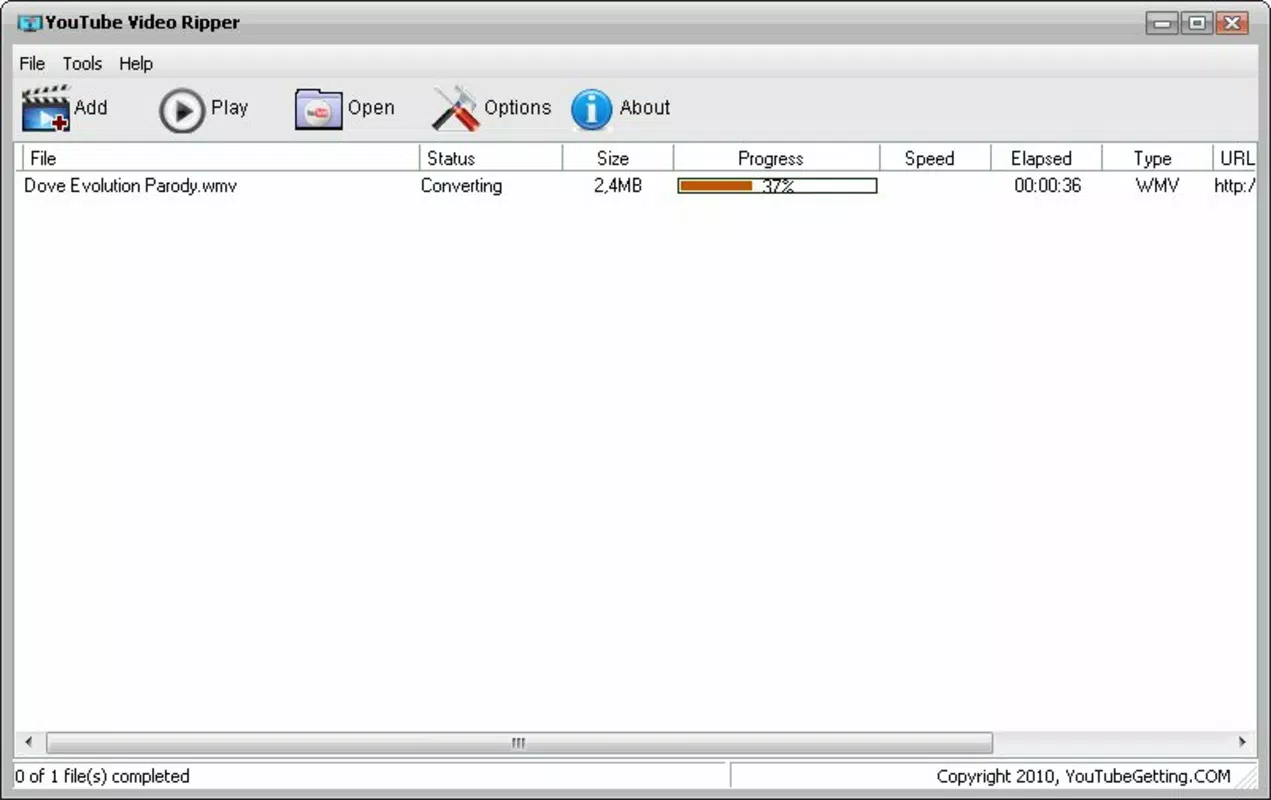
The user interface of YouTube Video Ripper is designed with simplicity and functionality in mind. The layout centers around a clean input field for video URLs, accompanied by a prominent download button. Navigation is straightforward, with minimal distractions, allowing users to focus on the core task: downloading and watching videos.
Visual style is utilitarian, prioritizing clarity over aesthetic flair. The app uses standard UI components that are familiar to Android users, contributing to a low learning curve. The flow from URL input to download initiation to playback is smooth and intuitive.
Although the developer did not list formal performance metrics, the app’s file size of 2.4 MB suggests a lightweight footprint, which typically correlates with efficient memory usage and minimal battery drain. It is expected to perform reliably on mid-range and older Android devices. Responsiveness is consistent with the app’s purpose—quick processing of URLs and smooth playback of downloaded files. Stability appears adequate for its intended use, though no specific crash or error reports were provided.
Platform Compatibility & Technical Requirements
YouTube Video Ripper is available exclusively on the Android platform. The current software version is 1.2.3, and the app has a file size of 2.4 MB. It is offered at no cost, making it accessible to a broad audience.
The developer did not specify minimum OS requirements or compatibility details for specific Android versions. However, given its release date of 2013 and continued availability, the app is likely compatible with a wide range of Android devices, including older models. Users should verify compatibility with their device’s operating system before installation. No additional permissions or hardware requirements were listed.
Pros and Cons
Pros
- Free to download and use with no in-app purchases.
- Supports multiple video formats for broad device compatibility.
- Batch download feature saves time when saving multiple videos.
- One-click download simplifies the process for all user levels.
- Built-in video player eliminates the need for third-party apps.
- Lightweight size (2.4 MB) ensures minimal storage impact.
Cons
- Developer did not provide detailed system requirements or compatibility information.
- No information on update frequency or future development plans.
- App may not support newer YouTube video formats or encryption methods.
- Interface lacks customization options or advanced settings.
- Compatibility with modern Android versions is not confirmed.
FAQ
Is YouTube Video Ripper safe to install?
The app is available for free and does not require excessive permissions. However, users should download it from trusted sources to ensure security. Always verify the developer’s authenticity before installation.
Can I download videos in high quality?
Yes, the app supports multiple video qualities, allowing users to choose the best available resolution based on their device and storage preferences.
Does YouTube Video Ripper work on iOS devices?
Currently, the app is only available for Android. There is no official version for iOS devices.
How do I update YouTube Video Ripper?
Updates are typically delivered through the official app store. Users should check their app store for available updates to ensure they have the latest version.
Is it legal to download YouTube videos using this app?
Downloading videos from YouTube may violate the platform’s terms of service. Users should review YouTube’s policies and ensure they are complying with copyright laws and content usage guidelines.
Final Thoughts
YouTube Video Ripper remains a practical and accessible tool for Android users seeking to download and view YouTube content offline. Its lightweight design, simple interface, and support for batch downloads make it a reliable utility for managing video content. While it lacks modern features and updated compatibility details, its core functionality continues to serve users who value convenience and offline access.
For students, travelers, and content enthusiasts, this app offers a straightforward way to preserve valuable videos without relying on internet connectivity. Despite its age, its free nature and proven functionality make it a worthwhile addition to any Android device.
Download YouTube Video Ripper now


